任务

“这里有本书,把这本书我折起来的页面拿去扫描一下,然后把里面的表格做成一个excel。”

这短短的一段话让我的心里紧了三紧,什么“读取扫描件”,“扫描件里面的表格”,“转成excel”。

每一个环节单独拿出来都可以做文章了,但是今时不同往日。我这下是可以站在巨人的肩膀上了。

首先明确的是,将表格转为excel一定不能靠人工,不然这小命得搭在这了。

1
2
3
4
5
6
7
8
9
import os 
import cv2
import numpy as np
import matplotlib.pyplot as plt


img_path = "./output/page_1.png"

img = cv2.imread(img_path)

2024-11-01T091148

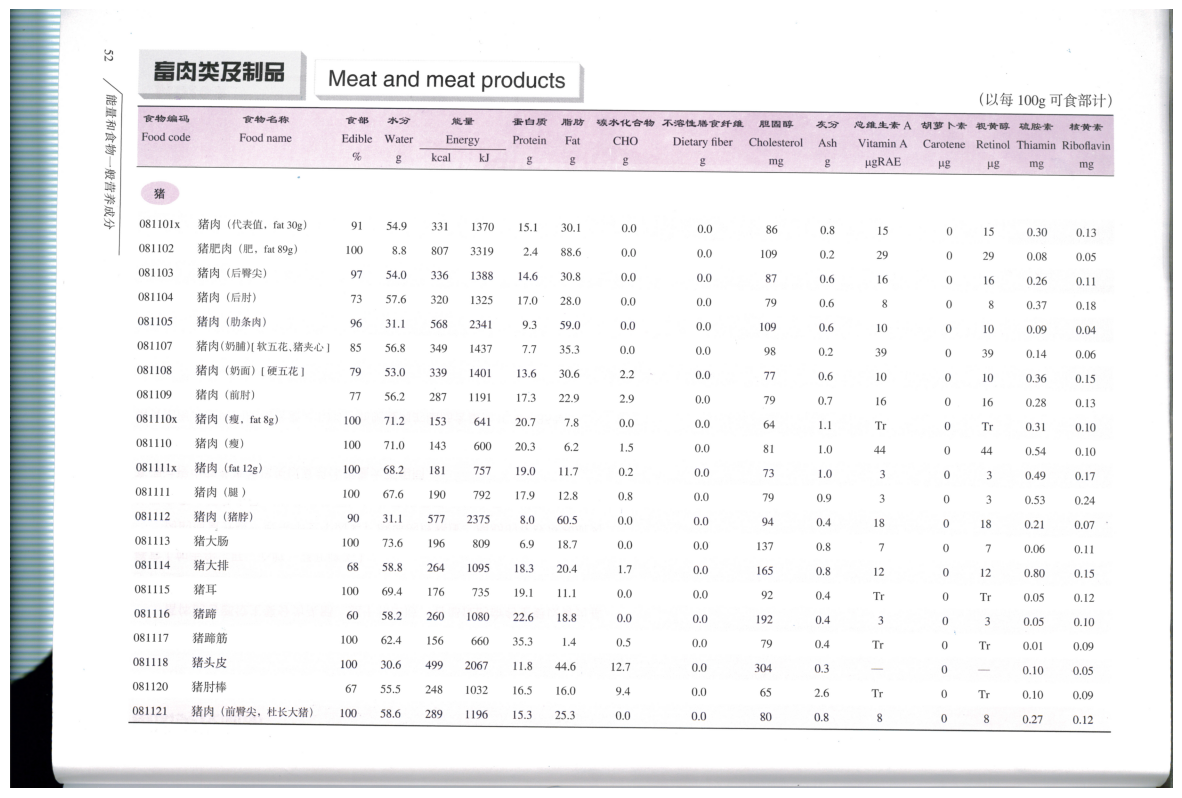
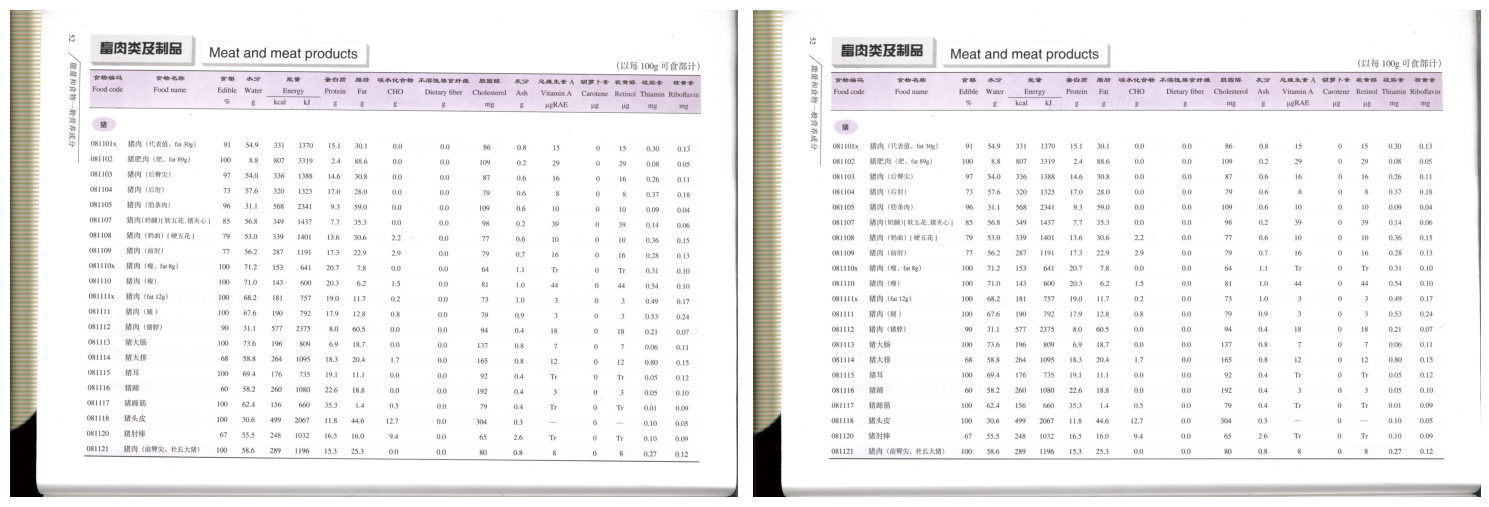
可以看到这个表格长这样,周围还有其他的信息,表格边缘不明确,并且图片可能因为扫描时的动作出现倾斜。
到这里我已经头大,但是毕竟是工作。

开始

先是图片特征分析

1
_, thresh = cv2.threshold(img, 254, 255, cv2.THRESH_BINARY)

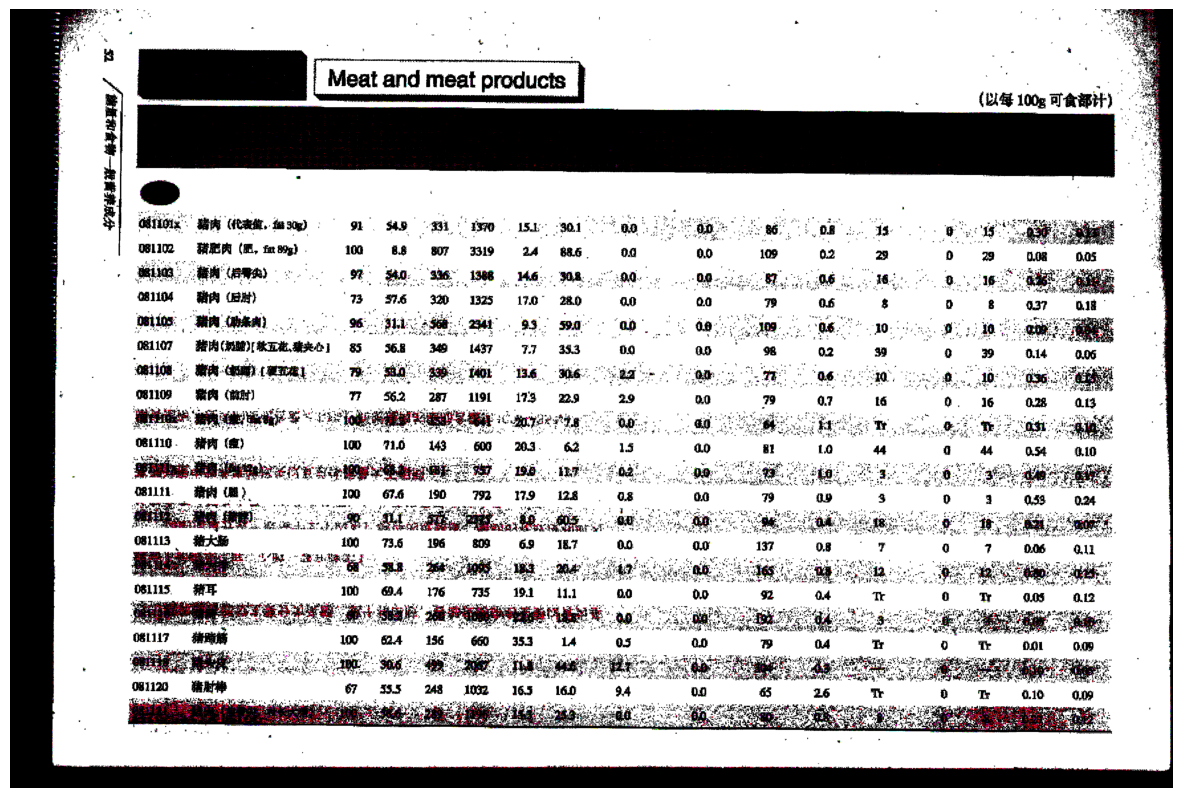
2024-11-01T091455

看到图片中有一块较大的方块(表头)我认为可以从这里做文章。

先极端处理,这一步主要是看看是否还有其他能够利用的特征信息,
似乎价值较大的也就只有表头的那一个矩形了。

去除一些噪声:

1
blurred = cv2.GaussianBlur(thresh, (5, 5), 0)

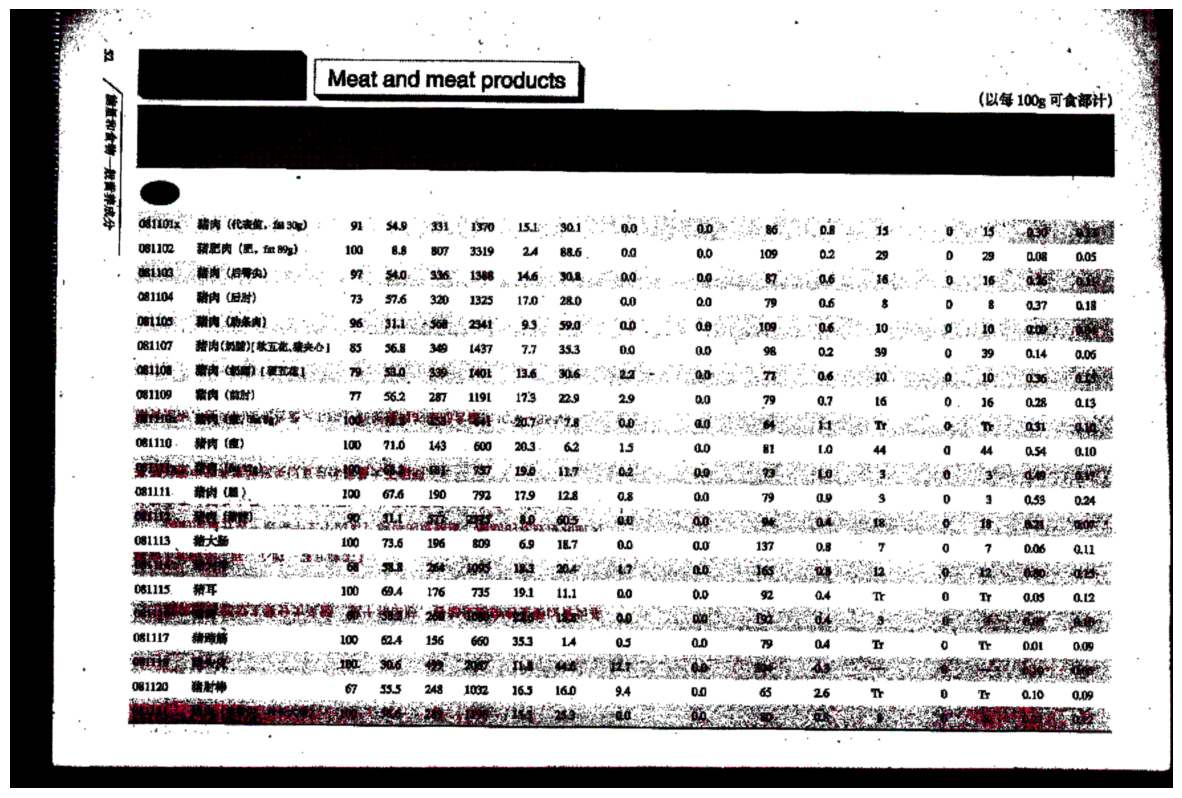
2024-11-01T091548

来一套组合拳,提取我们需要的特征部分:

1
2
3
4
5
6
7
8
9
10
11
12
13
14
15
16
17
18
19
20
21
22
23
24
25
26
27
28
29
30
31
# 定义一个函数来检查是否找到符合要求的轮廓
def find_valid_contours(img, iterations=2):
# 定义核并进行开运算
kernel_open = np.ones((2,2), np.uint8)
opening = cv2.morphologyEx(img, cv2.MORPH_OPEN, kernel_open, iterations=iterations)
kernel_close = np.ones((5,5), np.uint8)
closing = cv2.morphologyEx(opening, cv2.MORPH_CLOSE, kernel_close, iterations=40)

_, thresh_1 = cv2.threshold(closing, 254, 255, cv2.THRESH_BINARY)
edges = cv2.Canny(thresh_1, 100, 200)
contours, _ = cv2.findContours(edges, cv2.RETR_EXTERNAL, cv2.CHAIN_APPROX_NONE)

filtered_contours = []
for contour in contours:
x, y, w, h = cv2.boundingRect(contour)
aspect_ratio = max(w, h) / min(w, h)
if aspect_ratio > 11 and w > 2400 and h > 180 and w > h and y < img.shape[0] * 0.5:
filtered_contours.append(contour)
return filtered_contours, thresh_1, edges

# 从高阈值开始尝试,逐步降低直到找到符合要求的轮廓
iterations = 0
filtered_contours = []
while iterations < 13 and not filtered_contours:
filtered_contours, thresh_1, edges = find_valid_contours(blurred, iterations)
iterations += 1

if not filtered_contours:
print("未能找到符合要求的轮廓")
else:
print(f"在阈值 {iterations - 1} 时找到符合要求的轮廓")

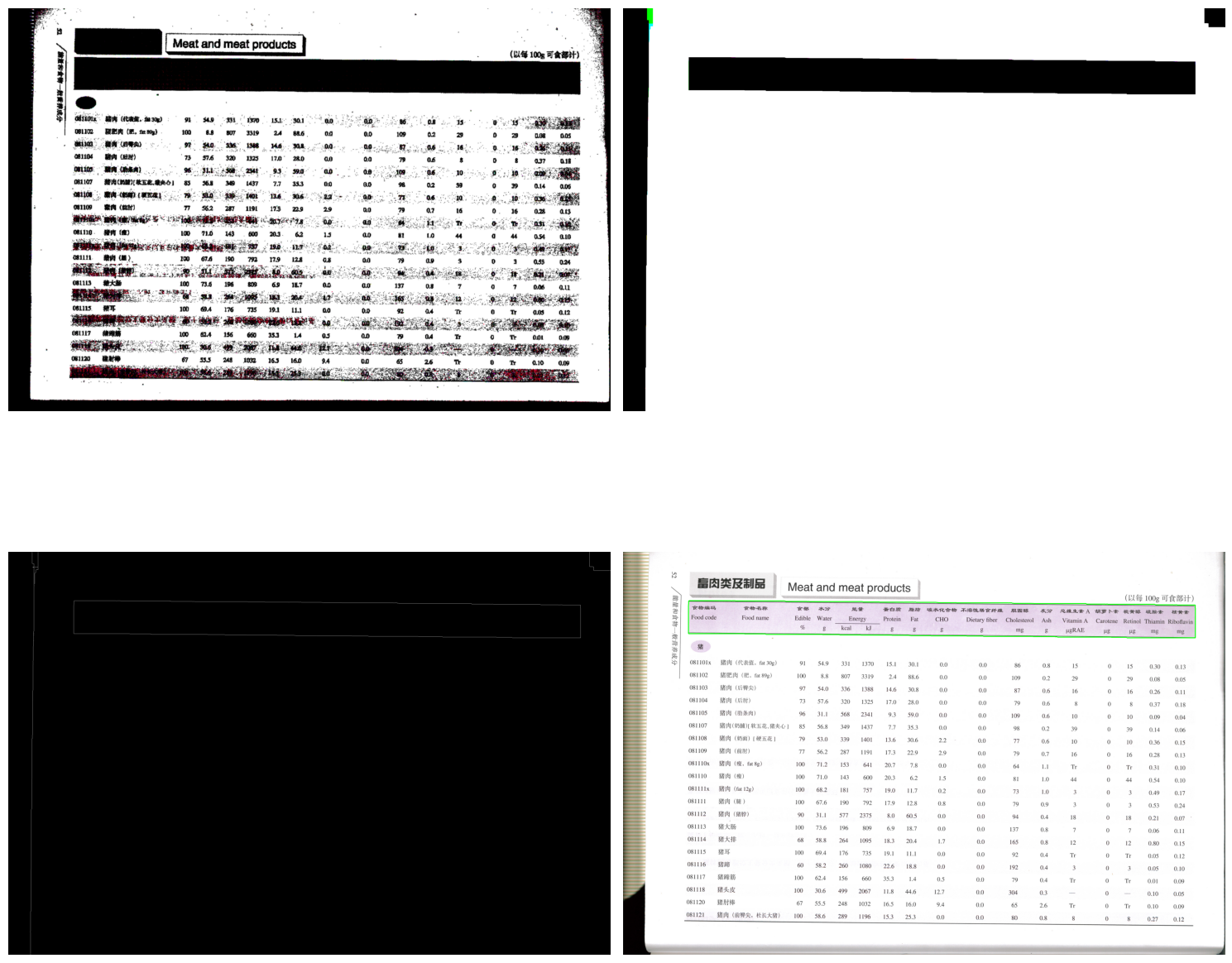
2024-11-01T091707

既然如此,那么就可以用这个特征进行图像校正了:

1
2
3
4
5
6
7
8
9
10
11
12
13
14
15
16
17
18
19
20
21
22
23
24
25
# 获取第一个筛选后的轮廓
contour = filtered_contours[0]

# 获取最小外接矩形
rect = cv2.minAreaRect(contour)
box = cv2.boxPoints(rect)
box = np.intp(box)

# 计算旋转角度
angle = rect[2]
if angle < -45:
angle = 90 + angle

# 修正旋转角度,确保图片保持横向
if abs(angle) > 45:
angle = angle - 90 if angle > 0 else angle + 90

# 获取图像中心点
center = tuple(np.array(img.shape[1::-1]) / 2)

# 计算旋转矩阵
M = cv2.getRotationMatrix2D(center, angle, 1.0)

# 执行仿射变换
rotated = cv2.warpAffine(img, M, img.shape[1::-1], flags=cv2.INTER_LINEAR, borderMode=cv2.BORDER_REFLECT)

2024-11-01T091732

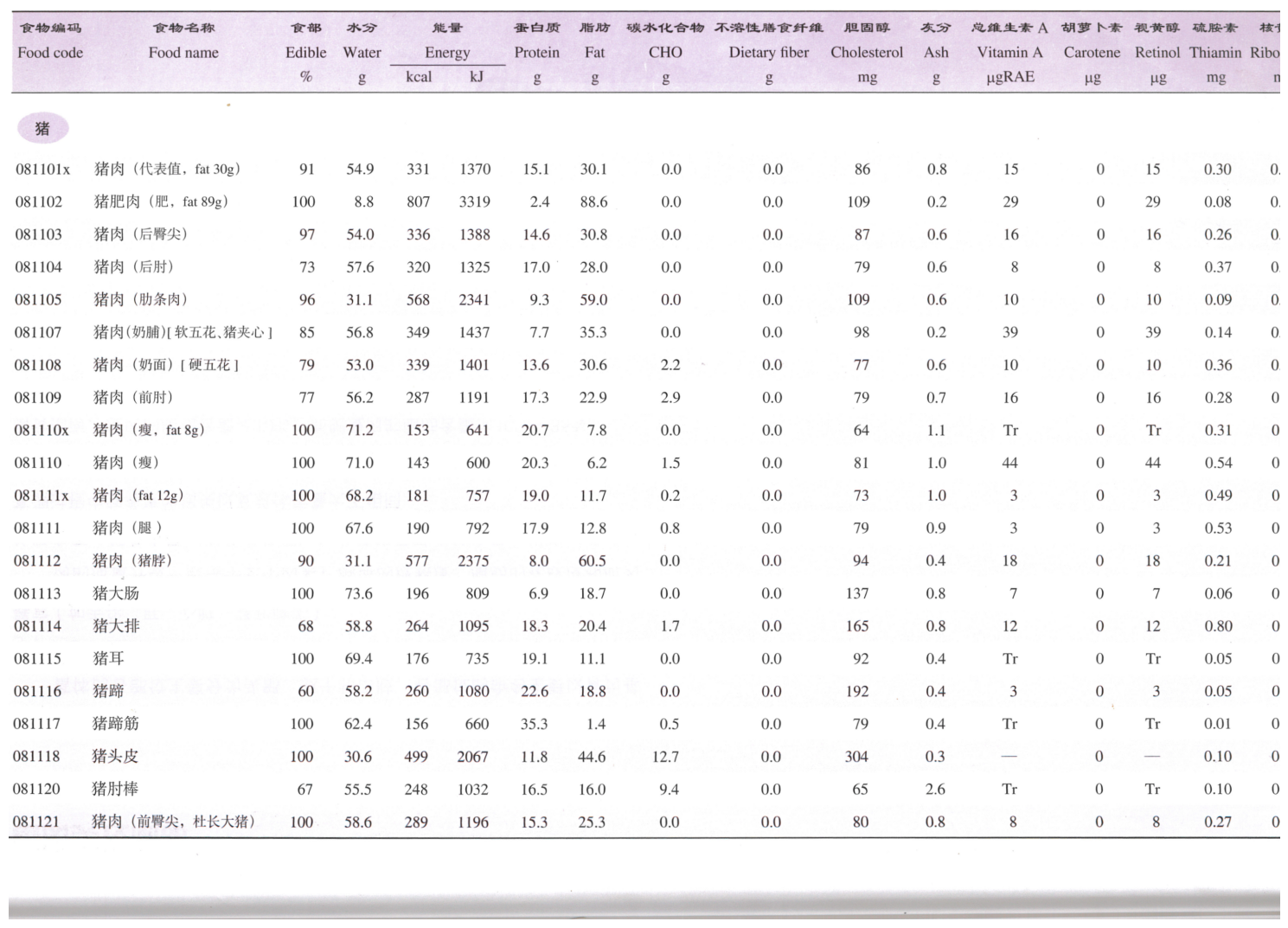
到了这里能看到其实周围还是有一些额外的信息需要去除,我使用了最少保留的方法(这样对需要的内容部分损失会很大,需要根据自己的情况进行选择

1
2
3
4
5
6
7
8
9
10
11
# 获取filtered_contours[0]的边界框
x, y, w, h = cv2.boundingRect(filtered_contours[0])

# 计算裁剪区域
crop_x_start = x
crop_x_end = x + w
crop_y_start = y
crop_y_end = rotated.shape[0] # 裁剪到图像底部

# 裁剪图像
cropped_img = rotated[int(crop_y_start*1.03):int(crop_y_end*1.03), int(crop_x_start*0.97):int(crop_x_end*0.97)]

2024-11-01T091801

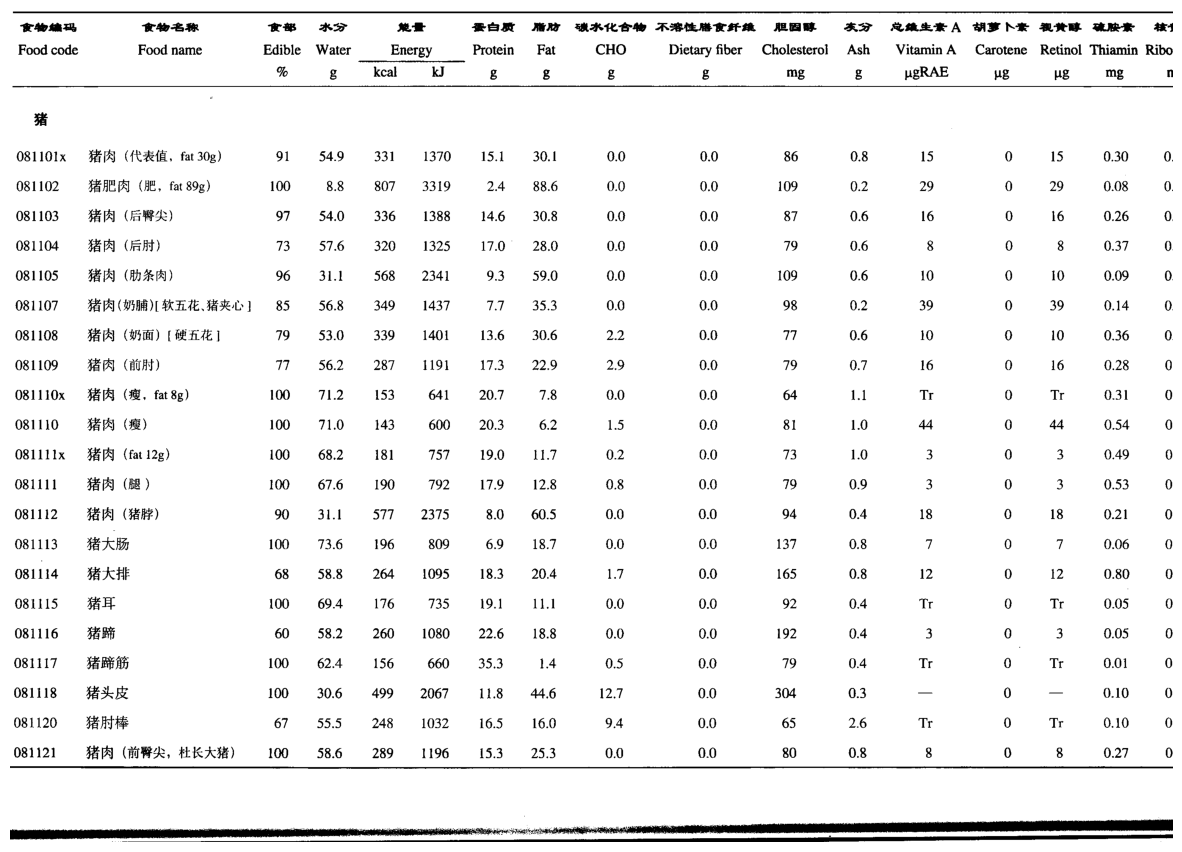
最后进行二值化:

1
2
gray_2 = cv2.cvtColor(cropped_img, cv2.COLOR_BGR2GRAY)
_, thresh_2 = cv2.threshold(gray_2, 180, 255, cv2.THRESH_BINARY+cv2.THRESH_OTSU)

2024-11-01T091822

到了这里就差不多了,然后就是将这个流程通过AI编写为批量的脚本处理 输入文件夹 输出到 输出文件夹

最后通过代码将图片进行合并到pdf

1
2
3
4
5
6
7
8
9
10
11
12
13
14
15
16
17
18
19
20
21
22
23
24
25
26
27
28
29
30
31
32
33
34
35
36
37
38
39
40
41
import os
from PIL import Image
from reportlab.pdfgen import canvas
from reportlab.lib.units import inch
import re

def natural_sort_key(s):
return [int(c) if c.isdigit() else c.lower() for c in re.split(r'(\d+)', s)]

def convert_images_to_pdf(input_folder, output_pdf):
# 获取输入文件夹中的所有图片文件
image_files = [f for f in os.listdir(input_folder) if f.lower().endswith(('.png', '.jpg', '.jpeg', '.tiff', '.bmp'))]
image_files.sort(key=natural_sort_key) # 按_num.png的数字顺序排序

# 创建一个PDF文档
c = canvas.Canvas(output_pdf)

for image_file in image_files:
img_path = os.path.join(input_folder, image_file)
img = Image.open(img_path)

# 获取图片的宽度和高度
width, height = img.size

# 设置PDF页面大小为图片大小
c.setPageSize((width, height))

# 在PDF中绘制图片
c.drawImage(img_path, 0, 0, width, height)

# 添加新页面
c.showPage()

# 保存PDF文件
c.save()

# 使用示例
input_folder = "images"
output_pdf = "output.pdf"
convert_images_to_pdf(input_folder, output_pdf)
print(f"PDF文件已生成: {output_pdf}")

这算是比较普通的思路了吧,能力有限也不知道是否还能够精进一些,就这样吧。